JPG to Word Converter — Turn Photos into Editable Word
The JPG to Word converter extracts text from any JPG photo or scan and rebuilds it as a clean, editable Word (.docx) document. Our AI OCR preserves layout, tables, stamps, and handwriting — so you stop retyping and start editing. Free, online, no install.
Free online JPG to Word converter — AI OCR, layout-preserving, works right in your browser.
How to convert JPG to Word in 3 steps
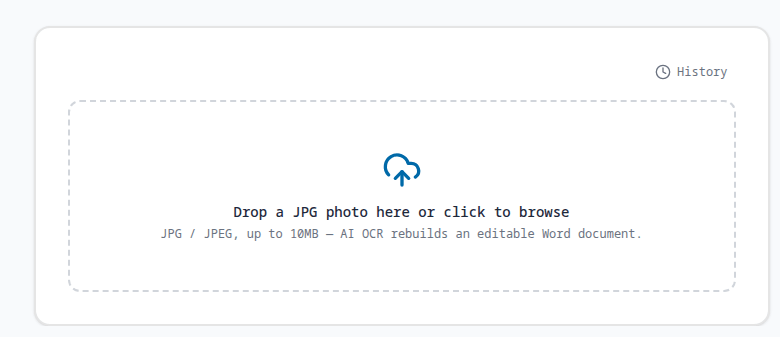
Upload your JPG photo
Drag a JPG or JPEG photo, scan, or screenshot into the JPG to Word converter. Receipts, contracts, invoices, class notes — any photo with text works.
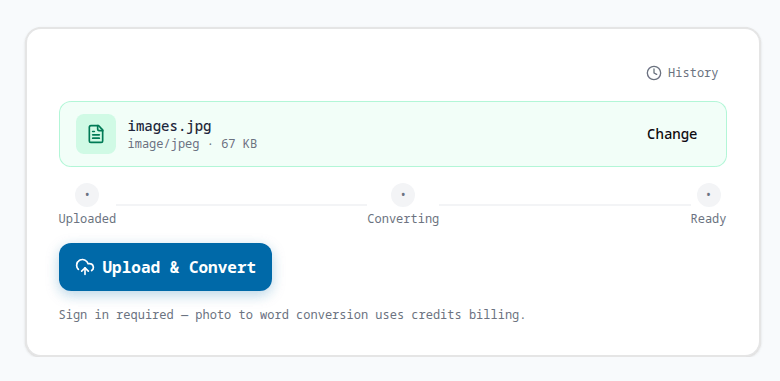
AI OCR converts the photo to Word
Our AI OCR reads the text, tables, and layout from your photo and rebuilds it as an editable .docx — keeping structure, stamps, and handwriting in place.
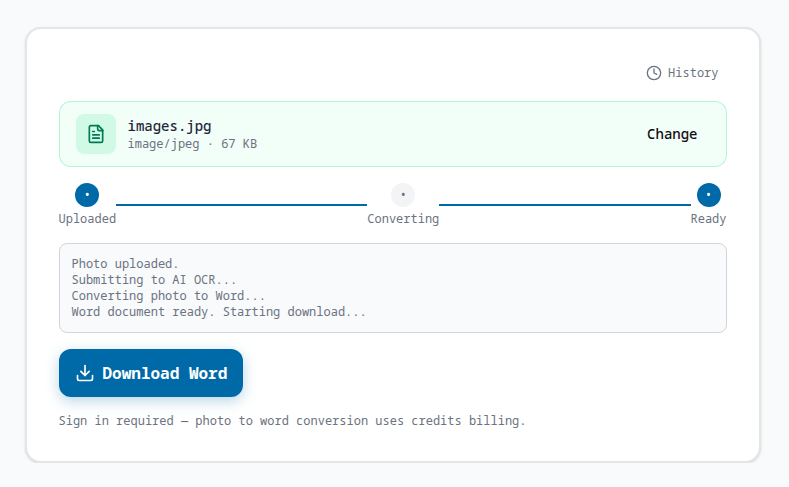
Download your editable Word
Get a clean, editable Word document ready for Microsoft Word or Google Docs. Your photo to word conversion is complete in seconds.
Why use our JPG to Word converter
Accurate photo to word conversion
The JPG to Word converter combines AI OCR with layout reconstruction, so a photo of a printed page becomes a true editable Word document — not a pile of plain text. Tables stay as tables, columns stay as columns, and paragraphs keep their order, letting you edit immediately instead of retyping every line by hand.
Handles stamps, watermarks, and handwriting
Official stamps, heavy watermarks, and handwritten annotations that defeat ordinary OCR are recognized by the photo to word converter and placed at their original positions in the Word file, preserving the meaning and authority of the source document for downstream editing and archiving.
Free, private, and online
No software to install. Your photo is uploaded over HTTPS, processed for the conversion, and only you can download the resulting Word document. Try the JPG to Word converter free with starter credits, and convert JPG to Word from any device with a browser.
JPG to Word Converter FAQ
Is this JPG to Word converter free?
Yes. The JPG to Word converter runs online and every new user gets free credits. Each photo to word conversion costs a small number of credits, so you can convert JPG to Word for free before deciding to buy more.
Does the JPG to Word converter keep the original layout?
Yes. The AI OCR preserves paragraphs, tables, columns, stamps, and handwriting, rebuilding your photo as an editable Word document that mirrors the original page — not a flat text dump.
Can I convert a photo with handwriting to Word?
Yes. The photo to word converter recognizes handwritten notes and annotations next to printed text, digitizing them into editable Word content at their original positions.
What image formats can I convert to Word?
The JPG to Word converter accepts JPG and JPEG photos. For best OCR accuracy use a clear, well-lit photo at 150 DPI or higher. Lower-quality photos still convert, but very small text may be less accurate.
Is my photo safe when converting JPG to Word?
Yes. Your photo is uploaded over HTTPS, processed for the conversion, and stored encrypted. Only you can download the resulting Word document, and you can retry or delete jobs from your history.
Explore More AI Tools